DOCX to PDF API
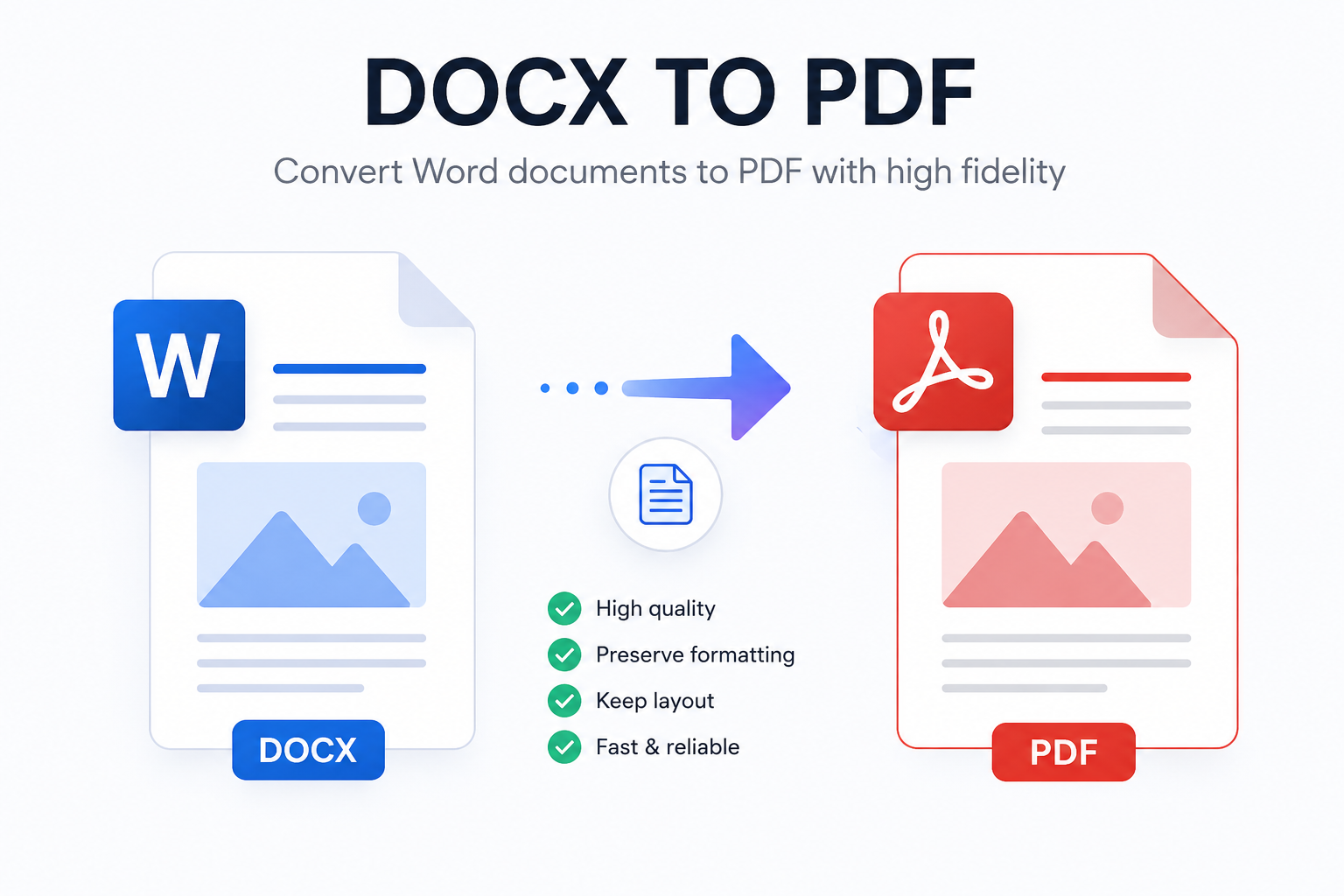
Pritset helps applications generate PDF documents from DOCX templates. Instead of building a document rendering pipeline yourself, you upload a .docx template, send JSON data to the API, and receive a finished PDF.
This is useful when your system needs to create invoices, receipts, reports, contracts, healthcare documents, certificates, resumes, or other business documents automatically.
How DOCX to PDF works in Pritset
Pritset is designed around reusable templates:
- Create a DOCX file in Microsoft Word, LibreOffice, or another editor that supports
.docx. - Add placeholders for dynamic values, loops, images, links, tables, or charts.
- Upload the template in the Pritset portal.
- Send JSON data through the API.
- Receive a generated PDF document.
The DOCX file stays editable by business users, designers, or operations teams, while developers integrate the API once and keep document generation inside the product workflow.
Why use DOCX templates
DOCX is a practical format for business documents because many teams already know how to edit it. Your team can adjust layout, wording, tables, logos, headers, footers, and spacing without changing application code.
Pritset then uses that template as the source for generated PDFs. The API fills the template with request data and returns the result in PDF format, so the final document is ready to store, send, print, or attach to a customer workflow.
Typical use cases
Pritset can generate many document types from the same template-based flow:
| Use case | Example data |
|---|---|
| Invoices | Customer details, line items, tax, totals, company logo |
| Receipts | Payment date, order number, purchased items, total amount |
| Reports | Sections, tables, charts, images, summaries |
| Contracts | Parties, dates, addresses, terms, signature fields |
| Healthcare reports | Patient or case data, measurements, charts, recommendations |
| Certificates | Recipient name, issue date, certificate number |
You can see ready examples in the examples section.
Template data example
A template can include placeholders such as {{customer.name}}, {{invoice.id}}, or loops for table rows.
Example API data:
{
  "invoice": {
    "id": "INV-1024",
    "date": "2026-07-09"
  },
  "customer": {
    "name": "Acme Ltd",
    "address": "12 Market Street"
  },
  "items": [
    {
      "description": "Document generation",
      "quantity": 1,
      "total": "$120.00"
    },
    {
      "description": "Template setup",
      "quantity": 1,
      "total": "$80.00"
    }
  ],
  "total": "$200.00"
}
Inside the DOCX template, you can insert values:
Invoice {{invoice.id}}
Customer: {{customer.name}}
Total: {{total}}
For repeating rows, use a loop:
{{FOR item IN items}}
{{$item.description}} - {{$item.quantity}} - {{$item.total}}
{{END-FOR item}}
Read the full templating syntax guide for supported values, loops, images, links, tables, and charts.
Direct and webhook processing
Pritset supports two common processing modes.
Direct request
Use a direct request when your application wants to receive the generated PDF in the API response.
POST https://api.pritset.com/api/template/process/direct/{templateId}
This is a good fit for synchronous workflows where the document is expected to be generated quickly and your application can wait for the response.
Webhook request
Use a webhook request when processing should happen asynchronously. Pritset accepts the job, returns an ID, and calls your webhook URL when the generated PDF is ready.
POST https://api.pritset.com/api/template/process/webhook/{templateId}
This is useful for longer documents, background jobs, or systems that already use event-based workflows.
What to prepare before calling the API
Before making a DOCX to PDF request, you need:
- a Pritset account;
- an uploaded DOCX template;
- the template ID from the portal;
- an access token and secret from your profile page;
- JSON data matching the placeholders in your template.
The request body uses multipart/form-data. Include the data field with the JSON payload. For webhook processing, also include the url field with your webhook endpoint.
Learn more in the API documentation and template processing guide.
Practical notes
Generated documents should always be checked before production use. Complex DOCX files can depend on fonts, embedded assets, layout choices, or document features that may render differently between systems.
For best results:
- keep templates focused and predictable;
- use supported template syntax for dynamic content;
- test templates with realistic JSON data;
- keep independent copies of source templates;
- save generated PDFs immediately after receiving them.
Pritset charges only for successfully generated documents under the current credit-based model. New accounts can start testing with free request credit after registration.